Guides
Guides are presented on the schedule screen and used to provide additional information to the user as they work through their program. Each guide can be attached to one or more programs, phases, or some combination of the two.
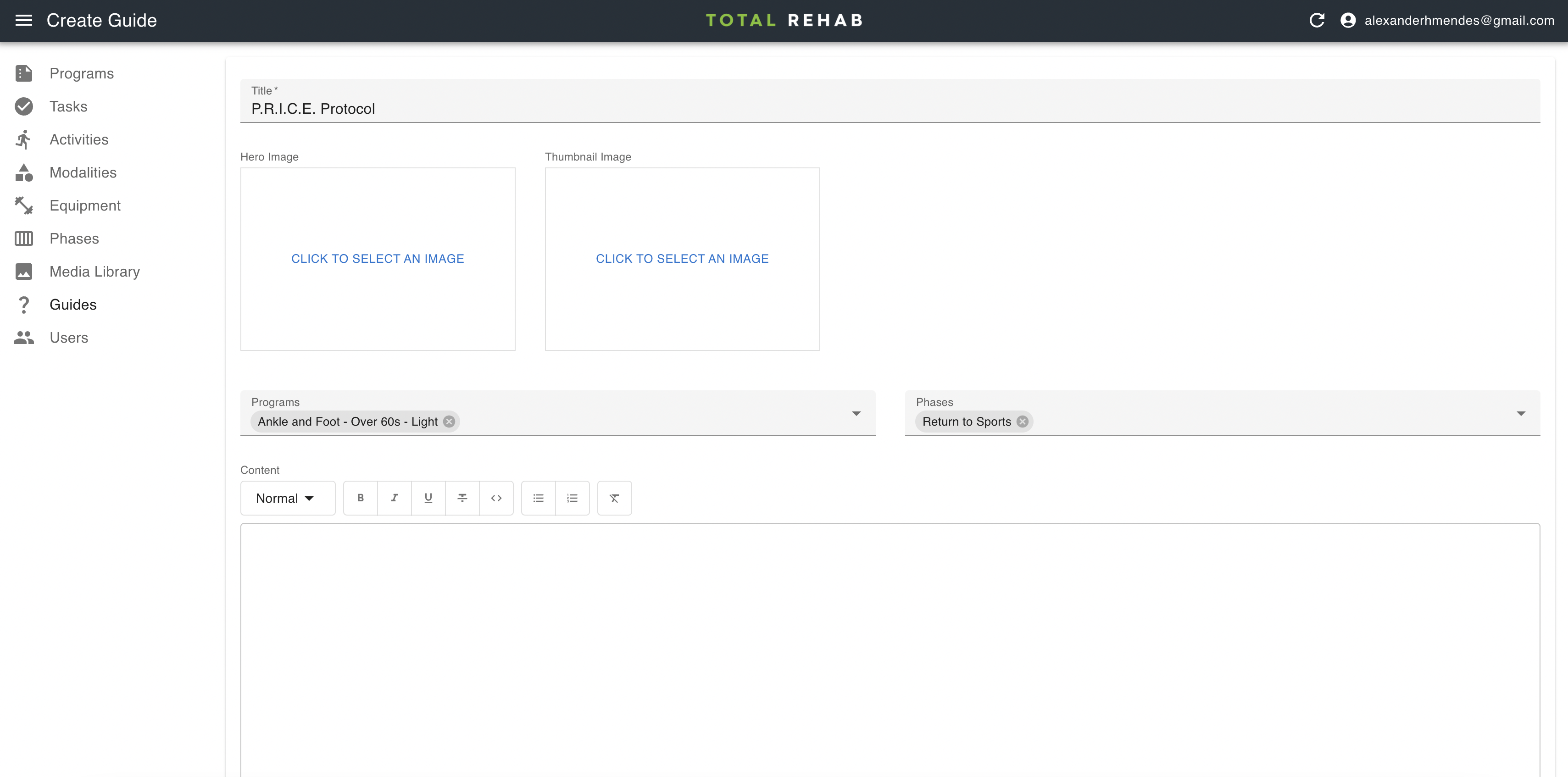
Creating guides
To create a guide select Guides from the sidebar, click Create, fill in the form and hit Save.
Programs and phases
Let's say you wanted to write a guide about the P.R.I.C.E protocol and attach it to the "Swelling and Support" phase of all programs. In this case you would write your guide, select the "Swelling and Support" phase from the Phases dropdown and leave the Programs dropdown empty.
If you wanted the guide to appear only on particular programs you would select those programs from the Programs dropdown.
Both the programs and phases dropdown accept multiple values, so you could have the same guide appear across two phases of two programs, for example, or any other combination.
At least one program or phase must be selected for the guide to appear within the app.