Tasks
A program is ultimately built up from tasks, which are organised by week and day.
Creating tasks
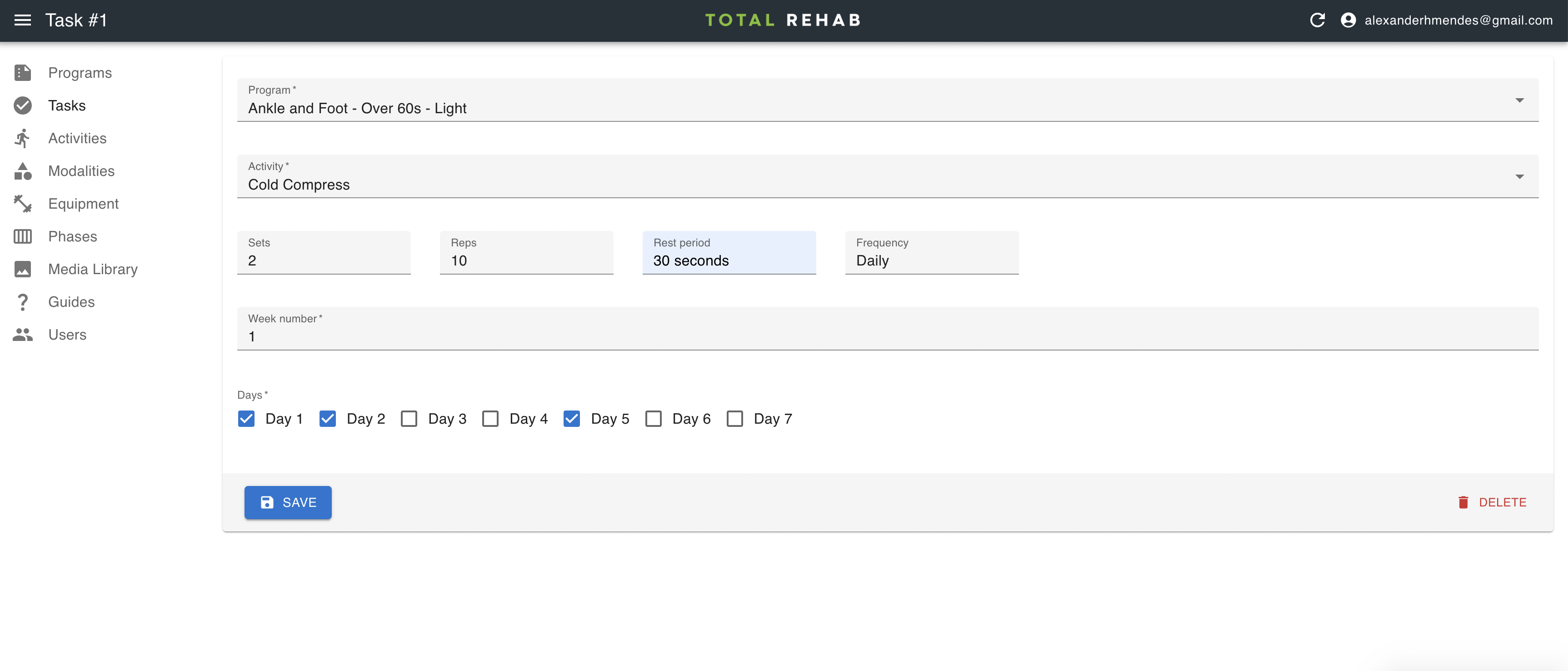
To create a task select Tasks from the sidebar, click Create, fill in the form and hit Save.
Alternatively, you can click the Bulk Create button, which takes you to a page where you can more easily insert multiple tasks for a program.
Weeks and days
Tasks are organised by week and day, where "Day 1" is based on when the user started a program, rather than a specific day of the week.
Programs run linearly, according to the scheduled weeks and days. However, as we cannot control when a user will actually choose to complete a set of tasks it could be that they are still on "Week 1" several weeks into their program. Effectively, a user will progress to the next day only after they have completed one or more tasks for the previous day.
Priority
Tasks can be sorted in the app according to the number entered in the "Priority" field. Numbers are sorted in descending order, so a task with a priority of 2 will be placed above one with a priority of 1 (all tasks have a priority of 1 by default).